


Appointments WhatsApp Templates for Confirmations and Reminders
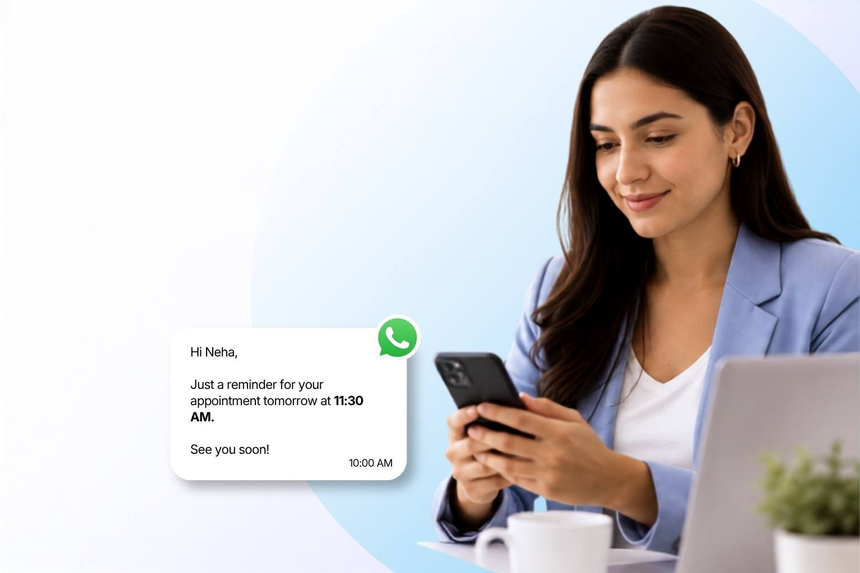
Appointments WhatsApp templates are pre-approved message formats for confirmations, reminders, reschedules, and follow-ups. Businesses use them to start conversations compliantly and trigger timely updates at scale. With the WhatsApp Business API, teams can automate outreach, personalize with variables, and add quick reply buttons to capture responses instantly. Templates ensure consistency, faster approvals, and higher deliverability compared with ad hoc texts, making every stage of the appointment lifecycle clear and actionable.
What Are Appointments WhatsApp Templates?
Appointments templates are a subset of WhatsApp message templates submitted through your Business Manager for Meta review. Most appointment use cases are filed under Utility, though promotional upsells belong to Marketing. You define language, variables, media header, footer, and interactive buttons. Meta checks clarity, policy compliance, and formatting before approving. Once approved, templates can initiate customer outreach where applicable and send recurring updates like confirmations, reminders, reschedules, cancellations, or post-visit notes. Interactive lists and quick replies streamline choices and reduce back-and-forth.
Why Use WhatsApp for Appointment Messages?
Higher Delivery and Read Rates: WhatsApp delivers reliably with read receipts, ensuring time-sensitive confirmations and reminders reach customers when it matters most.
Fewer No-shows and Calls: Automated reminders, quick-reply confirmations, and calendar prompts reduce missed appointments and lighten workloads across support, operations, and front desks.
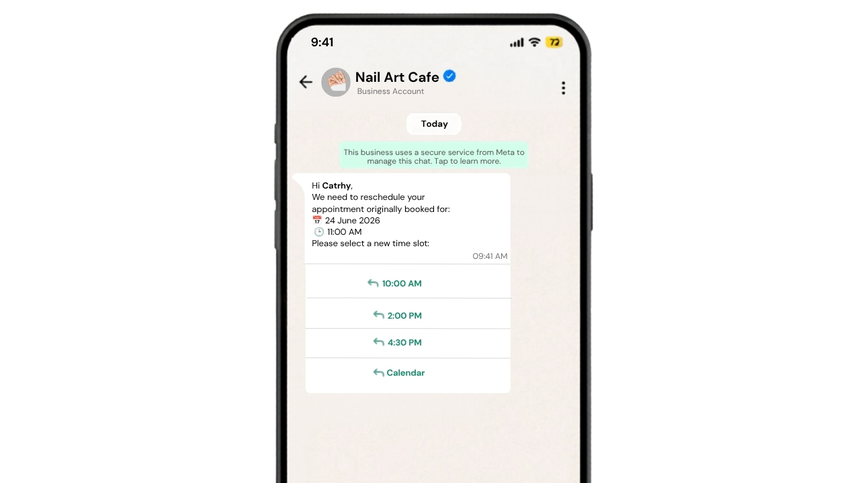
Faster Rescheduling: Interactive buttons and lists let customers pick new slots instantly, keeping schedules full and preventing churn from delays or missed calls.
Appointment WhatsApp Template Examples
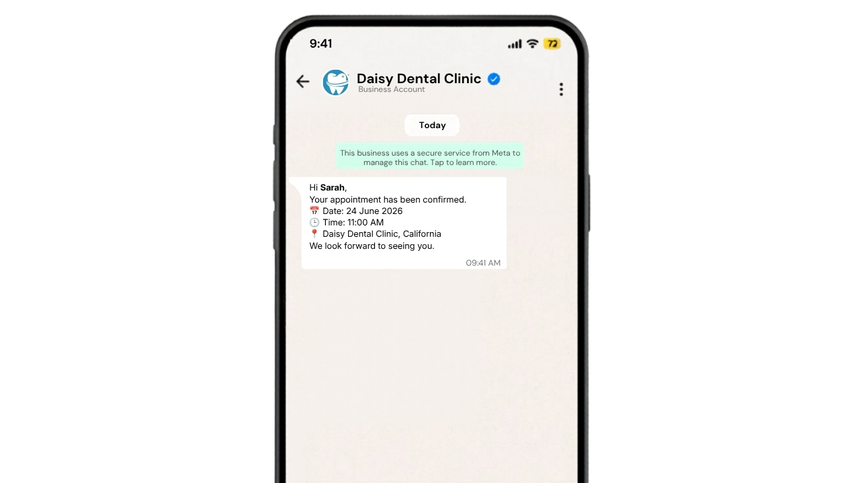
Appointment Confirmation with Quick Reply
Reschedule Request and Time Options
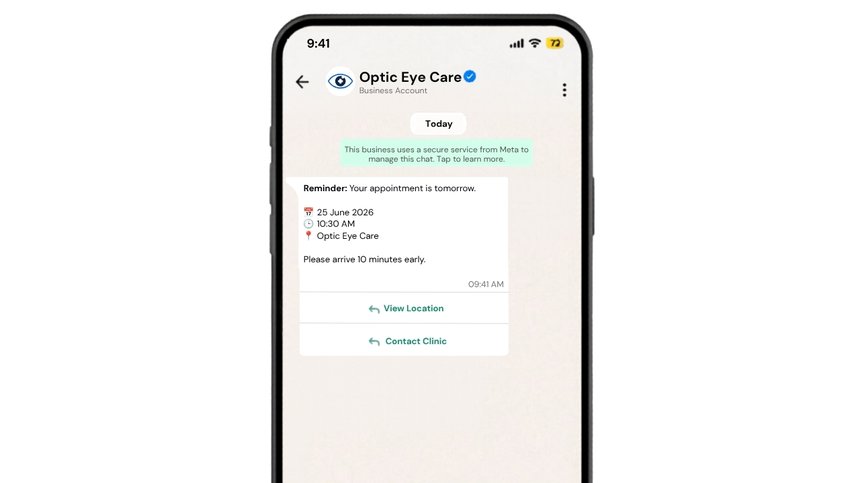
Upcoming Appointment Reminder with Location
Frequently Asked Questions
Q: Do appointment WhatsApp templates require Meta approval?
A: Yes. Submit templates through Business Manager, typically under Utility, selecting languages and placeholders. Meta reviews policy compliance, clarity, formatting, and button use. Once approved, send via the WhatsApp Business API to initiate outreach where allowed or deliver timely updates.
Q: Can I add buttons to confirm or reschedule?
A: Absolutely. Add quick replies or call-to-action buttons such as Confirm, Reschedule, or Add to Calendar. List messages with time slots are supported. Buttons increase response rates and keep workflows structured for agents or automation.
Q: What best practices improve approval and delivery rates?
A: Keep copy concise, avoid promotional language in Utility templates, provide example values for variables, and include opt-out or help text where relevant. Match language locales, validate phone opt-ins, use media headers sparingly, and monitor template quality to maintain reach.

Launch Appointment Messages on WhatsApp
Send appointment updates via WhatsApp Business API with D7 Networks.